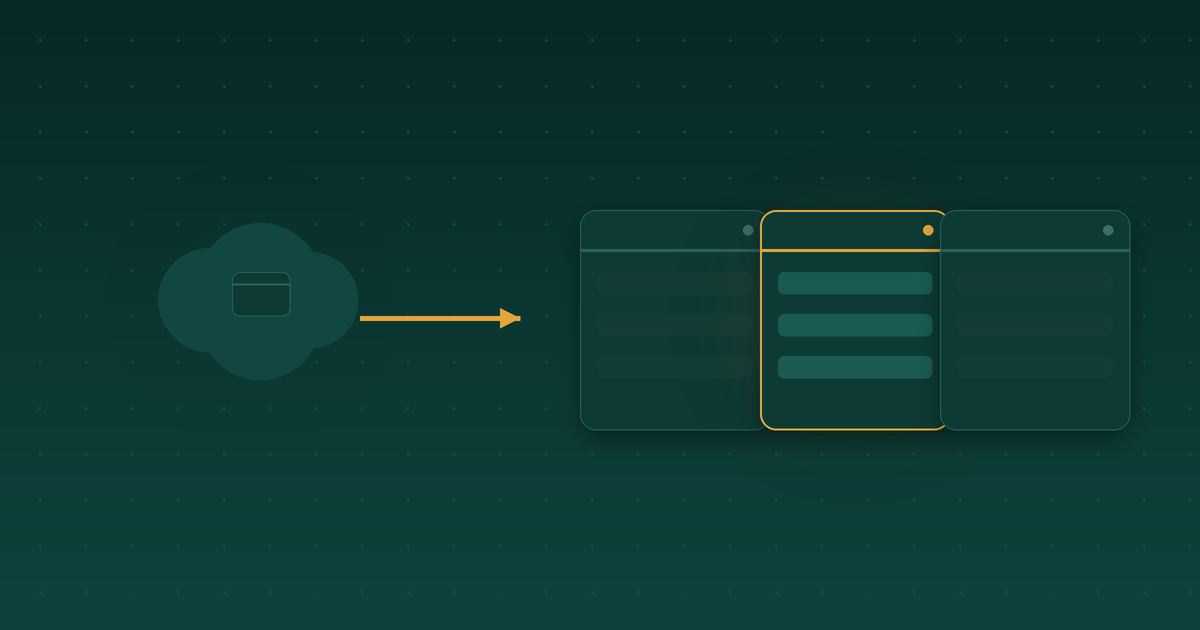


A few weeks ago we hit a cost ceiling. Our agents were spinning up eight concurrent browser sessions to handle web automation tasks, OAuth flows, form submissions, CAPTCHA solving, the whole stack. The bill from our managed cloud browser service was running between $2,880 and $8,640 a year depending on load. We asked ourselves a simple question: could we run the same browser infrastructure ourselves?
We spent a week evaluating Steel Browser, an open-source self-hosted alternative with thousands of GitHub stars and hundreds of paying customers already running revenue-generating workflows on it. On paper, the case to switch was strong. Then we tried to deploy it.
Feature parity, zero compromises
First we confirmed that moving off the managed service wouldn't mean losing critical capabilities. It wouldn't.
- Session recording and replay. Steel captures every page event in rrweb format automatically. An events endpoint lets us build custom playback, and the built-in dashboard handles debugging with full console logs and network traces.
- Persistent profiles across restarts. Cookies, extensions, credentials, localStorage, auth tokens, fingerprints, all stored as local files in Docker volumes. Third-party SSO survives session restarts, which turned out to matter a lot.
- Anti-bot defenses. Steel integrates fingerprinting controls and CAPTCHA solving for HCaptcha, Cloudflare Turnstile, ReCAPTCHA v2/v3, ImageToText, and Amazon AWS WAF. Full parity with what we had.
- Agent-orchestration integration. Official MCP-server support means it drops into our existing agent stack without rework.
- Residential proxy support. Same network flexibility we already had.
The real appeal wasn't just feature parity, it was eliminating cloud-service friction we hadn't even realized we had.
The hidden wins of owning your own stack
Once we got into the details, the self-hosted model showed advantages that weren't obvious on the surface.
File uploads just work. On the managed service, uploading local files from the agent's filesystem required workarounds and explicit API calls. Steel lets us bind-mount a local directory and the browser accesses it natively, no translation layer.
SSO persistence is indefinite. With the managed service, third-party authentication would expire after five minutes, forcing re-auth every session. Steel stores the profile locally, so it persists across restarts as long as the profile volume survives.
You control the entire profile lifecycle. Because profiles are files on your own infrastructure, not opaque cloud objects, you can snapshot them, version them, restore them, inspect them. No "vendor closed this off" surprises.
The cost math
This is where it got tempting.
Self-hosted Steel: roughly $350-550 per year, electricity and cooling on hardware we already owned.
Managed service: $2,880 per year at moderate use (2 hours/day x 8 sessions) or $8,640 at continuous use (6 hours/day x 8 sessions). We were closer to continuous.
Break-even in 2-3 months, then pure savings, 5 to 25 times cheaper depending on load. On a spreadsheet, this was a no-brainer.
Then the hardware reality
Spreadsheets don't run code. When we went to actually deploy Steel on our own hardware, the build didn't run: our self-host box is ARM-based, and Steel's ARM64 path wasn't viable for us. Making it work would have meant more engineering than the savings justified, at least right now. The cheapest option on paper is not the one you ship if it won't run on the metal you have.
So we did not switch to Steel.
What we actually did instead
The evaluation still pointed us in the right direction: own the browser layer where it makes sense. Instead of Steel, we built our own local Chromium fleet driven over the Chrome DevTools Protocol (a separate writeup covers that migration), which captured most of the cost and control benefits without the ARM64 problem. And we kept a small set of managed cloud slots for the login-gated partner workflows where a hosted service still earns its price.
If you do go the self-host route, the operational work is real and worth planning for up front:
- Session cleanup automation. No built-in orphaned-session killer, so you manage container lifecycle yourself to avoid zombies.
- Monitoring and alerting. Prometheus + Grafana (or equivalent) for multi-session health at a glance.
- Auth and network security. Wrap the browser service with a reverse proxy and auth to prevent external access.
- Profile backup strategy. Volume snapshots so you don't lose authentication state if something fails.
None of these are novel. The lesson that stuck with us wasn't about Steel at all. It was that a migration can pass every test on paper and still die on contact with your actual hardware. Evaluate the metal before you fall in love with the math.